For Download
AI video tools use Artificial Intelligence (AI) and Machine Learning (ML) to automate, enhance, and create video content. They perform tasks that traditionally required significant manual effort, making video production faster, easier, and more accessible.
Here is a full, detailed breakdown of AI video tools:
1. Core Concept and Mechanics
What they are: Software applications that leverage technologies like machine learning, deep learning, and computer vision to process, analyze, and generate video data.
How they work (Key Components):
Machine Learning (ML) models are trained on massive datasets comprising videos, images, and text. They learn patterns and correlations to understand what a “realistic” or “coherent” video should look like based on the input they receive.
Natural Language Processing (NLP): This allows the tools to understand human language inputs (like text prompts or scripts) and translate them into visual and audio concepts.
Neural Networks (e.g., GANs, Transformers): These complex models are essential for generating high-fidelity, realistic images and video frames, and ensuring continuity and realism in the motion.
Computer Vision: Enables the AI to “see” and analyze video content, performing tasks like object recognition, motion tracking, and scene analysis.
2. Main Categories of AI Video Tools
AI video tools can be primarily divided into two major categories: Generation and Editing/Enhancement.
A. AI Video Generation Tools
B. AI Video Editing and Enhancement Tools use AI to automate or improve specific tasks within the post-production workflow.FeatureFunctionality (How the AI Helps)BenefitsAutomated Subtitles & Transcription, Speech Recognition to automatically generate a text transcript and synchronize it perfectly with the video’s audio
.Time-saving, improved accessibility, and automatic translation into multiple languages. Text-based editing allows you to edit a video by simply editing its transcribed text. Deleting a word from the transcript removes the corresponding audio and video footage.
Streamlines editing for dialogue-heavy content (interviews, podcasts). Smart Object Removal/Replacement Uses Computer Vision to identify and track objects, then automatically masks them out or replaces them with a new element (e.g., removing a watermark or replacing a street sign) .Clean up footage quickly without complex manual masking.
Automatic Color Correction & Grading analyzes the lighting and color temperature of footage and applies a consistent, optimized color grade across all clips. Ensures visual consistency and fixes white balance issues automatically.
Smart Reframing & Cropping identifies the main subject(s) in the frame and automatically tracks their movement, cropping the video to maintain focus, often for different aspect ratios (e.g., horizontal video to vertical TikTok).
Perfect for repurposing content for various social media platforms. Noise Reduction & Audio CleaningIsolates the speaker’s voice and removes background noise, echoes, and distortion from the audio track. Produces professional-sounding audio without expensive equipment.
3. Benefits and Impact
Efficiency and Speed: Dramatically reduces the time needed for video creation and complex editing tasks like transcription, subtitling, and rough cuts.
Cost Reduction: Lowers the need for traditional resources like human actors, expensive filming equipment, or large post-production teams.
Democratization of Video: Makes professional-quality video creation accessible to individuals and small businesses without specialized skills.
Creative Possibilities: Enables the rapid prototyping of ideas and the creation of content that would be impossible or prohibitively expensive to film traditionally.
4. Notable Tools (Examples)
While the landscape is constantly evolving, some popular examples include:
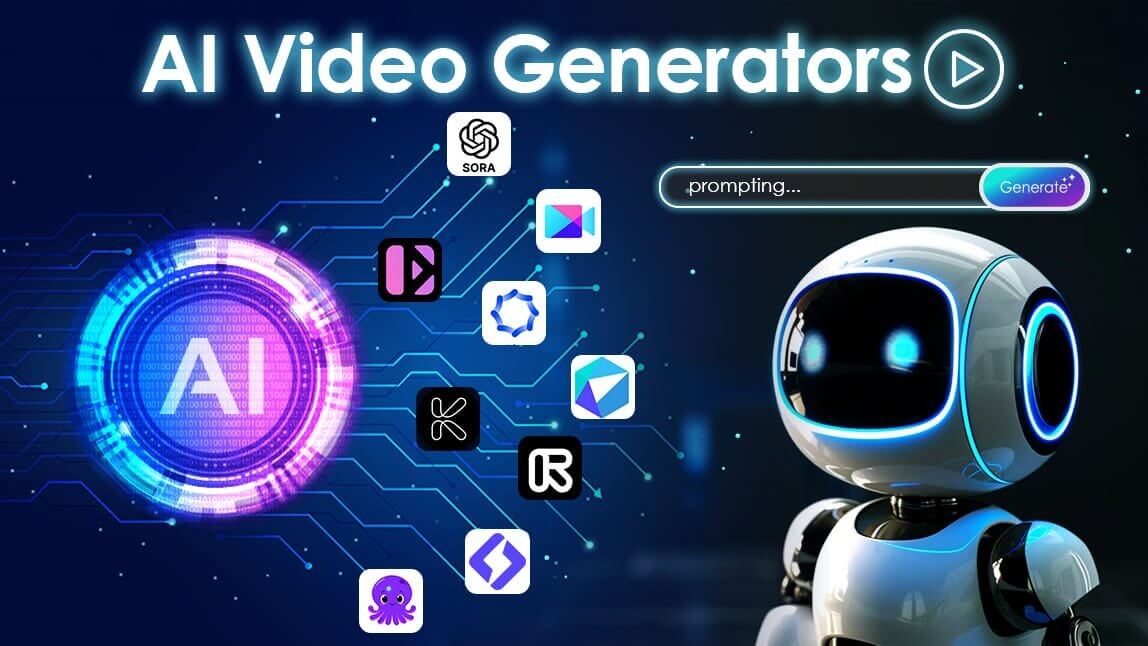
Generators: Runway (Text-to-Video, Video-to-Video effects), Synthesia (AI Avatars for corporate/explainer videos), OpenAI Sora (High-fidelity Text-to-Video).
Editors with AI Features: Adobe Premiere Pro (Morph Cut, Auto Reframe), Descript (Text-based editing, voice cloning), CapCut (Auto captions, background removal), DaVinci Resolve (Magic Mask, Speed Warp).