For Download
Open the Play Store on your phone
Write Picsart
And Download
Canva is an immensely popular, all-in-one visual communication platform that empowers everyone—from individuals and small businesses to large enterprises—to create professional-quality graphics, videos, documents, and more, without needing advanced design skills.
Here is a full, detailed breakdown of Canva:
1. Core Identity and Value Proposition
Definition: Canva is an online graphic design and publishing tool that operates on a freemium business model, making design accessible to everyone globally.
Mission: To empower the world to design anything and publish anywhere.
User Interface: Its primary appeal is its intuitive drag-and-drop editor, which simplifies complex design tasks.
Accessibility: It is a cloud-based platform accessible via web browser, desktop application, and mobile apps (iOS and Android), supporting real-time collaboration.
2. Comprehensive Features and Design Capabilities
Canva has expanded far beyond simple graphic design to become a full Visual Suite:
A. Core Design and Content Types
Canva provides pre-sized and customizable templates for virtually any format, including:
Category Examples of Design Types
Social Media: Instagram Posts/Stories, Facebook Covers, YouTube Thumbnails, TikTok Videos, Reels.
Documents, Presentations, Whiteboards, Resumes/CVs, Letters, Reports, PDFs, Canva Docs (visual documents).
Marketing & Branding Logos, Business Cards, Flyers, Brochures, Infographics, Email Headers, Mockups.
Print Products :T-shirts, Mugs, Posters, Invitations (can be designed and printed directly via Canva Print).
Digital Websites (one-page, responsive), Charts, Graphs, Videos, Photo Collages.
B. The “Magic Studio” (AI-Powered Tools)
Canva has integrated numerous AI features to automate and enhance the design process:
Magic Design: Automatically generates design templates based on an image or text prompt.
Magic Edit: Allows users to select an area in a photo and replace it with anything described in a text prompt.
Magic Eraser: Easily removes unwanted objects or people from an image.
Magic Switch / Magic Resize (Pro): Instantly resizes a single design into multiple formats (e.g., resizing a flyer to a social post) and can even translate text within the design into over 100 languages.
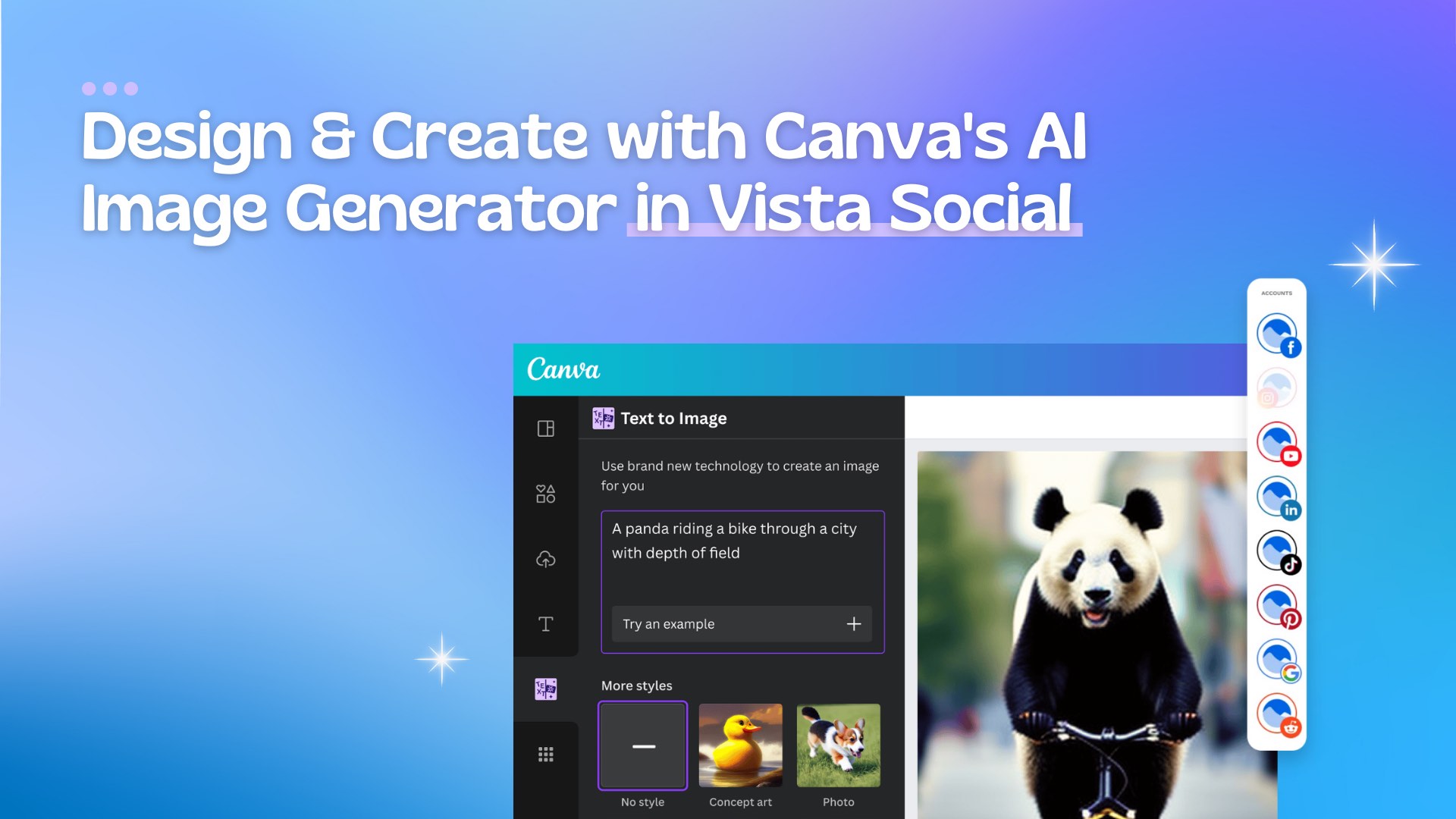
Text to Image / Text to Video: AI tools to generate new visual content from a text description.
C. Advanced Editing and Production Tools
Photo Editor: Includes basic edits (crop, filter, adjust), plus one-click advanced features like Background Remover (Pro) and Image Enhancer.
Video Editor: A full-featured editor that supports multi-track editing, trimming, filters, and animation. It also features Beat Sync to automatically match video edits to music.
Animations: Allows users to add one-click animations to any element or page transition for dynamic content (GIFs, short videos).
3. Business and Collaboration Features (Canva Pro/Teams)
The paid tiers of Canva offer features critical for brand consistency and team workflows:
Brand Hub / Brand Kit: A centralized repository for an organization’s brand assets. It stores official logos, brand colors, and brand fonts, allowing team members to apply them instantly to any design, ensuring consistency.
Content Planner: A built-in tool that allows users to create, schedule, and directly publish their finished social media posts to various platforms (Facebook, Instagram, LinkedIn, etc.).
Team Management & Collaboration: Canva for Teams allows for real-time design collaboration, shared folders, permission controls, and approval workflows.
Cloud Storage: Significantly increased storage for brand assets and designs (5GB for Free vs. 1TB for Pro/Teams).
4. Business Model and Pricing
Canva’s revenue model is based on Freemium, appealing to a massive user base while monetizing advanced features.
Plan Target User Key Features
Canva Free Casual users, students, small creators. Thousands of free templates, millions of free stock photos/graphics, basic photo/video editing, 5GB cloud storage.
Canva Pro (Paid) Individuals, freelancers, small businesses. All Free features, plus: Background Remover, Magic Resize, Brand Kit (1 kit), 100+ million premium stock assets, Content Planner, 1TB cloud storage.
Canva for Teams (Paid) Small to large organizations, marketing teams. All Pro features, plus: Multiple Brand Kits, Team Templates, Advanced Team collaboration controls, approval workflows, Single Sign-On (SSO) for Enterprise.
Canva for Education/Nonprofits Free access to Pro features for eligible schools, teachers, students, and registered nonprofit organizations.