For Download
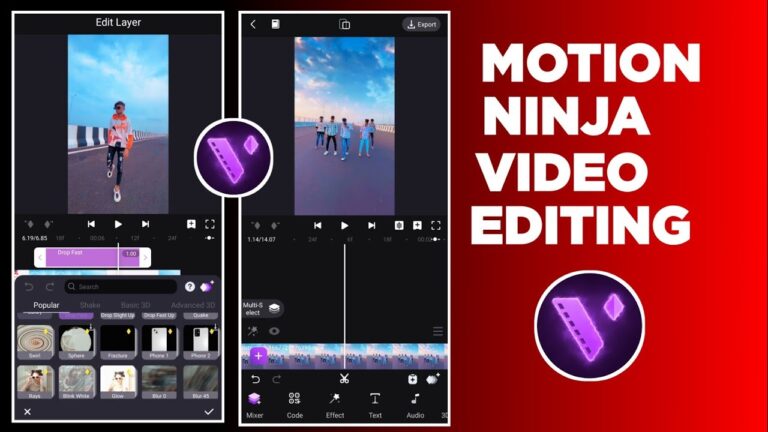
Motion Ninja Video Editor is a powerful, feature-rich mobile application
(available on iOS and Android) that is often compared to professional desktop software like Adobe After Effects, but made accessible for smartphone users.1. It is highly popular among creators who specialize in Anime Music Videos (AMVs), fan edits, and intricate, dynamic social media content.2It goes beyond basic mobile video editing by offering advanced motion graphics and visual effects capabilities.3Here is a full, detailed breakdown of Motion Ninja Video Editor:
1. Core Focus and Professional The primary distinction of Motion Ninja is its focus on “After Effects” style editing and complex motion design on a mobile platform.. 4 Feature Category Detail Custom Keyframe Animation is the app’s most significant feature. Keyframes can be set for almost every property, including position, size, rotation, effects, masks, borders, and blending, allowing for highly precise and fluid motion design.
Custom Curves/Graphs Users can select or create custom speed curves (like Bezier, Bounce, Step) for their keyframe animations, giving them professional-level control over the easing and speed of motion—critical for smooth, viral velocity edits.Multi-layer Editing (PIP) supports multiple video and image layers (Picture-in-Picture) on the timeline for complex compositing, fan edits, and video collages.
A fter Effects-like VisualsIncludes a vast library of customizable effects like Shake, Motion Blur, Glow, 3D, VHS, Distortion, Particles, and more, allowing users to mimic trending professional looks.Chroma Key & Green ScreenAllows for easy removal of green screen backgrounds to place subjects into different scenes.2. Advanced Editing & Speed Tools5Motion Ninja includes specialized tools that are typically found only in high-end software:6Smooth Slow Motion (Optical Flow): Uses advanced interpolation technology (similar to Twixtor) to create very smooth, cinematic slow-motion or time freeze effects from regular footage.7Time Remap/Velocity Editor: Allows precise remapping of video speed to create creative effects where footage speeds up and slows down dynamically throughout a clip.83D Camera & Scene Building: Users can work with 3D text, 3D models, and particles, along with 3D camera settings like tracking, panning, zoom, and focus blur to create depth and immersive scenes.9Video Quality Enhancer: A tool to optimize video and image quality, especially useful when working with lower-resolution source material.10Moving Photo/Photo Animator: Allows users to define a custom area on a static image to animate and create a “moving picture” effect.113. General Video Editing CapabilitiesAlongside its advanced motion tools, it includes all the necessary standard video editing functions:Timeline Editing: Basic cutting, splitting, merging, and trimming of clips.Transitions: A library of creative transitions (e.g., 3D, Shake) that can be applied between clips with one click.12Filters & Adjustments: Basic color filters, as well as pro color correction tools like adjusting Brightness, Contrast, Saturation, and potentially advanced features like HSL and Curve editing (often premium features).13Audio Editing: Tools for adjusting clip volume, adding music tracks, and controlling audio tempo.14Export: Supports high-resolution export, including 1080p, 2K, and 4K, and can also convert videos to GIF animations.154. Usability and Target UsersLearning Curve: While the interface is designed to be mobile-friendly, the sheer number of professional features like keyframing and curves editing means it has a steeper learning curve than simple editors like InShot or CapCut.Primary Users: AMV editors, fan edit creators, TikTok and Instagram users aiming for complex, trending visual effects, and general users looking for a budget-friendly mobile alternative to desktop VFX software.165. Pricing and MonetizationMotion Ninja operates on a freemium model:Free Version: Provides access to the basic video editing tools, core keyframe animation, and many effects.17 It typically exports videos with a watermark.Pro Subscription: The paid subscription (often available monthly and annually) is necessary to:Remove the watermark.18Unlock all premium features and effects (e.g., advanced 3D tools, specific templates).19Access higher export resolutions (like 4K).20In summary, Motion Ninja is one of the most powerful mobile video editors on the market, bridging the gap between simple clip editing apps and professional desktop motion graphics software by making keyframe animation the core of its experience.21