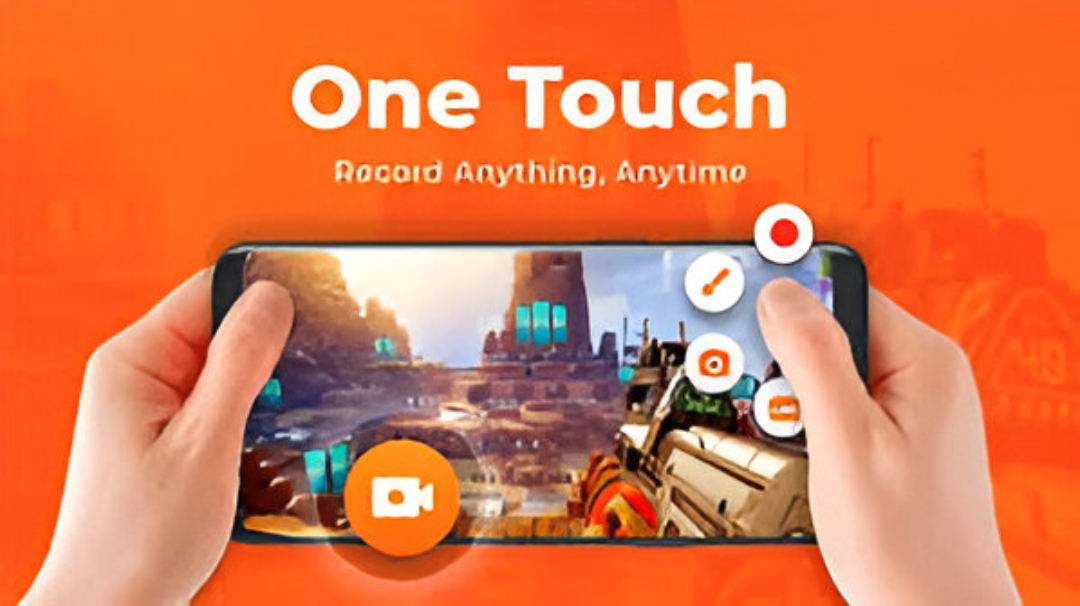


Screen Recorder – AX Recorder is a popular, full-featured mobile application designed primarily for Android users who need a lightweight yet powerful tool for capturing on-screen activity.
Positioned as an all-in-one solution for video creation, it is widely used by gamers for recording gameplay, content creators for making tutorials and reaction videos, and professionals for recording presentations and online classes.
The application’s core appeal lies in its ability to record smooth, high-definition video (up to 1080p, 120FPS on supported devices) without major interruptions like lag or a visible watermark on the free version.
Crucially, it offers flexible audio options, supporting both internal audio recording (for Android 10 and above) for capturing clear game or app sound without noise, and external microphone input for commentary.
Beyond basic recording, AX Recorder integrates a comprehensive suite of tools to enhance the content creation workflow. Key features include the Facecam overlay, which allows users to capture their reactions using the front camera in a movable window, ideal for vlogs and live streams.
For interactive recordings, the Brush Tool enables users to draw, doodle, or add arrows and shapes directly onto the screen while recording to highlight key points. Furthermore, the app boasts a Region Recording function, giving users the flexibility to select only a specific area of the screen to capture.
The user experience is streamlined by a floating control ball/notification bar for quick start/stop functionality and one-tap Screen Capture for taking precise screenshots.
The final major benefit of AX Recorder is its robust, built-in Video Editor. Once a recording is complete, users can perform essential post-production tasks directly within the app, such as trimming, cropping, merging, and compressing the video.
They can also enrich the content by adding trendy music, filters, stickers, and text overlays. This complete ecosystem allows creators to move seamlessly from recording to professional-looking editing, and finally to quick sharing, with direct upload options for platforms like YouTube and TikTok—all without needing external software.
The app operates on a freemium model, providing substantial features for free while offering in-app purchases or a premium version to remove ads and unlock additional advanced features.