
For Download
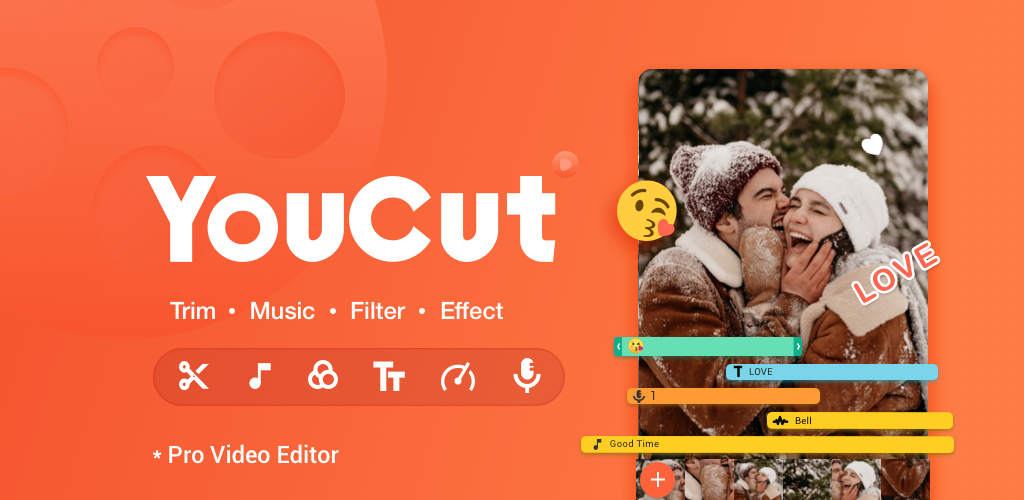
YouCut – AI Video Editor is a highly popular, free, and comprehensive mobile video editing application developed by InShot Video Editor. It’s designed to be a simple yet powerful tool for creators making content for social media platforms like YouTube, TikTok, and Instagram.
Here is a full, detailed breakdown of the app:
Core Identity & Model
Free & No Watermark: One of YouCut’s biggest selling points is that its basic, yet powerful, editing features are completely free, and the final exported videos do not have a watermark, which is a significant advantage over many competitors.
Minimal Ads: Unlike many free mobile editors, it boasts having no banner ads on the screen while you are actively editing a video.
Target Audience: It is ideal for beginners, casual creators, and social media enthusiasts who need professional-looking results without a steep learning curve or high cost.
Pro Version: While the core features are free, a YouCut Pro subscription is offered to unlock advanced features, premium materials (like certain filters, effects, and music), and remove all advertisements (though they are minimal during editing in the free version).
Key Features and Tools
1. AI-Powered Features (The “AI Video Editor” Aspect)
AI Auto Captions: Converts speech to text automatically to generate subtitles for talking videos, boosting accessibility and engagement.
AI Cutout/Remove Background: Instantly erase the background of a video or photo with a single tap, often used for green screen-like effects.
AI Enhance: One-tap feature to improve the quality of videos and photos, adjusting elements like clarity and color.
AI Avatar/Art Generator: Allows users to transform photos or video elements into various AI-generated art or anime styles.
Smooth Slow-Mo: Creates buttery-smooth slow-motion effects.
2. Essential Video Editing
Video Cutter & Merger: Easily trim, cut, and split video clips with a timeline. Merge multiple videos or photos into one cohesive project. Video Speed Control: Adjust video speed from extreme slow-motion (e.g., 0.2×) to fast-motion (e.g., 100×).
Photo Slideshow Maker: Combine photos with music and transitions to create professional-looking photo videos or slideshows. Resolution Support: Supports exporting videos in high resolution, typically up to 4K, without quality loss.
No Crop & Aspect Ratios: Easily change the video’s aspect ratio to fit platforms like YouTube (16:9), Instagram (1:1, 9:16), or TikTok without having to crop the content.
3. Creative Enhancements
Music & Sound:
Add free featured music and built-in sound effects from YouCut’s library.
Import your own music from your phone’s storage.
Extract audio directly from other video clips.
Supports Text-to-Speech (TTS) to give videos a synthetic voice.
Filters & Effects (FX): Apply a wide range of movie-style video filters and dynamic FX (glitch, ripple, etc.) to enhance the mood.
Color Adjustment: Fine-tune video color with manual controls for brightness, contrast, saturation, and more.Text, Stickers, and Overlays: Add custom text, emojis, and use the Picture-in-Picture (PIP) feature for video or photo overlays.
Keyframe Animation: Apply motion to clips, text, or stickers by setting keyframes to control position, scale, and rotation over time.
4. Workflow and Sharing
Direct Sharing: Share the final edited video directly to all major social media platforms (YouTube, Instagram, TikTok, Facebook, etc.).
Video Compressor: Helps reduce the file size of your video without significant loss of visual quality, making it easier to share or upload. User-Friendly Interface: Known for its clean, intuitive interface that is easy for beginners to navigate.
Availability
YouCut is primarily a mobile application, available on:
iOS (Apple App Store)
Android (Google Play Store)
Note: While a desktop version is not officially available, some users use Android emulators (like BlueStacks) to run the mobile app on a PC or Mac.